
WooCommerce Product Management
- Operate multiple storefronts in one system, even when you’re offline
- Create, edit, delete products massively
- Clone or mass change product details
- Export and import all products data
- Manage products and categories in one window
- Assign categories to merchandise
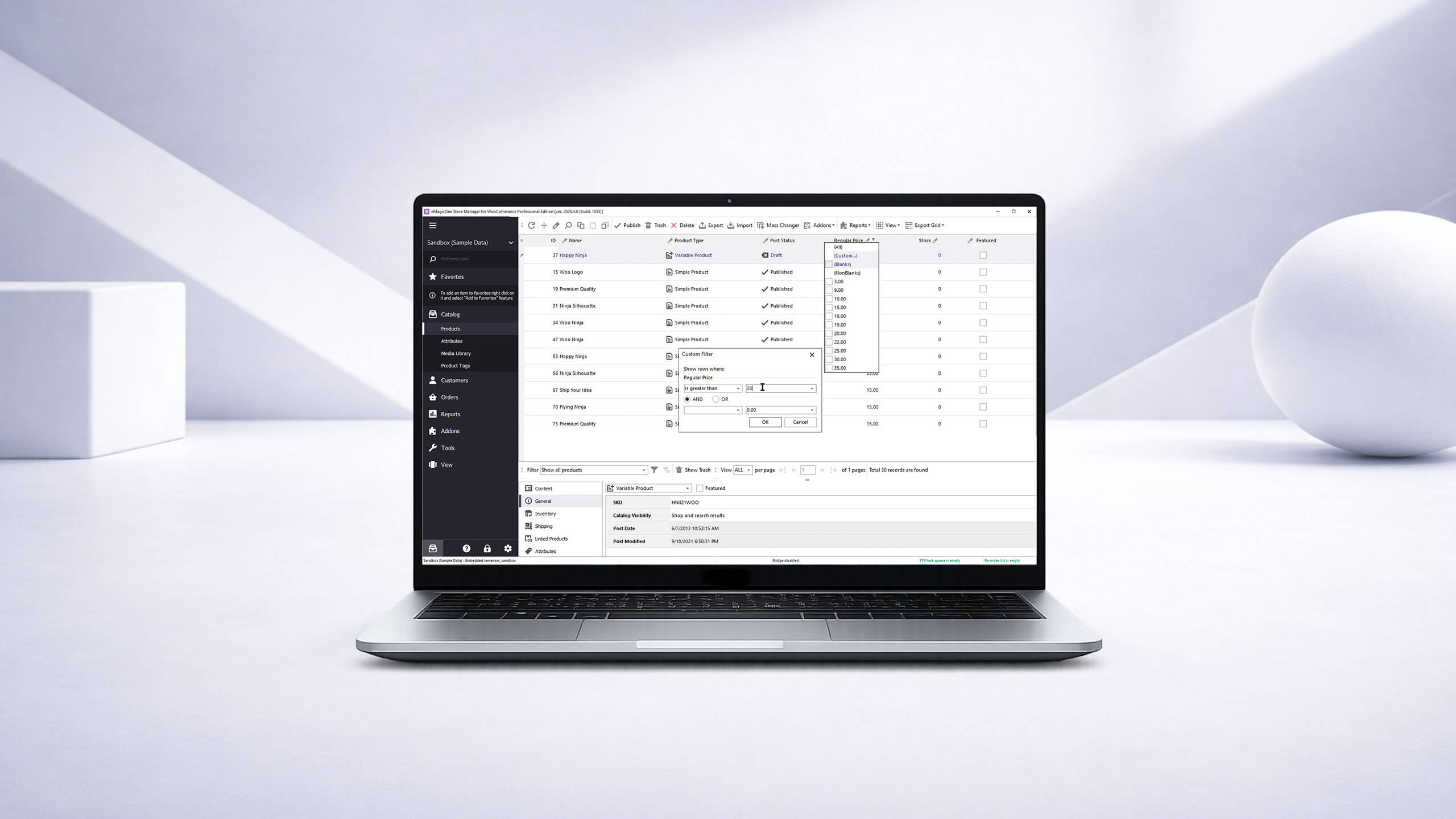
1-click product management
Our idea is to optimise the process and make it simple, intuitive and available in one click.
Manage Product Catalog
Add, edit, delete, clone, copy/paste different types of goods. Update product images, attributes, product tags and media library, prices, quantity and all product-related data. Use advanced filters to make your work faster and easier.
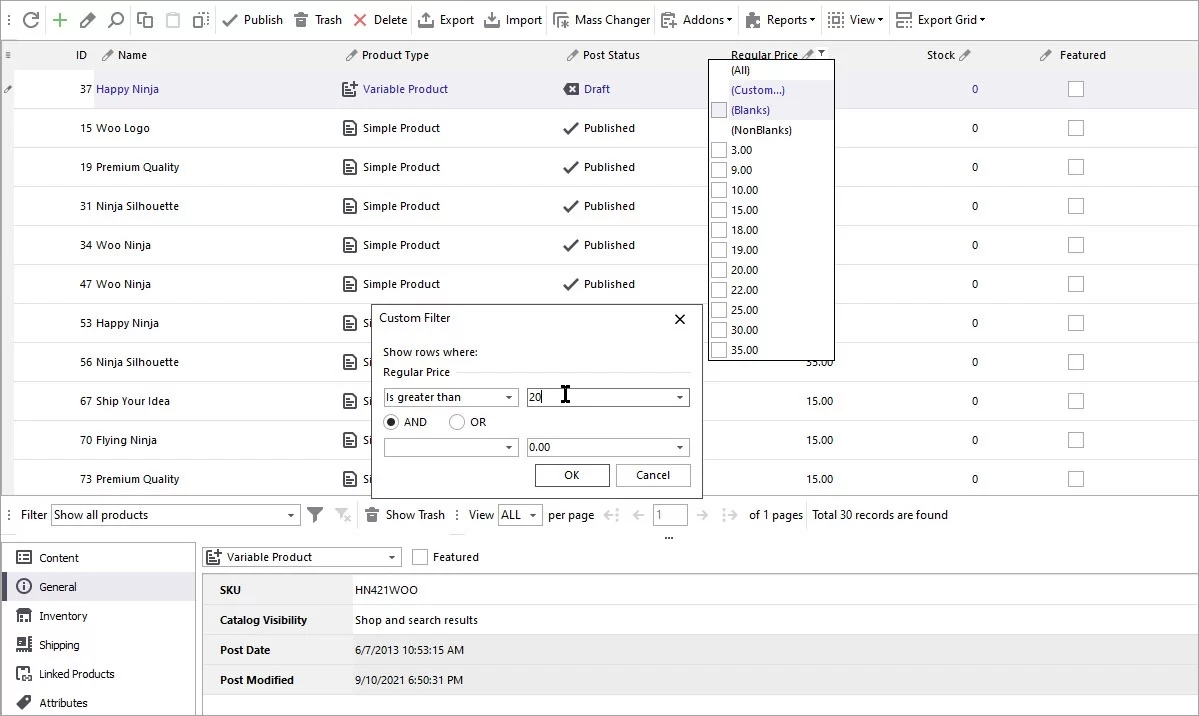
Export/Import WooCommerce Products
Export products to .csv to have data feeds. No requirements to the import file: import from different file formats and sources (local, FTP URL, HTTP URL or Google Sheets). Perform your stress-free upload with the help of Import Wizard. Import media library, name, description, SEO fields, prices, quantity, weight, categories and any other product-related data. Make export and import processes automated.
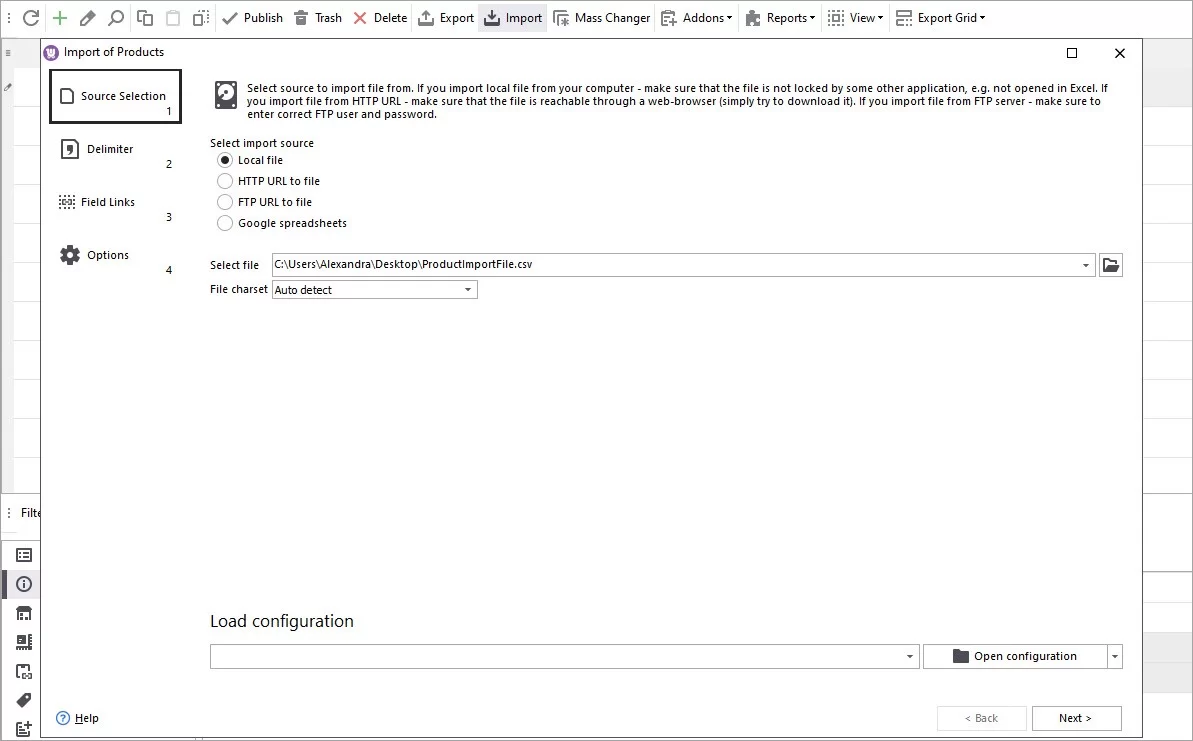
Mass Changer Tool
Update product data massively. Increase/decrease prices by value or %. Change sale price by %, set sale price active dates. Update stock, backorders, images or any other product data. Apply updates to selected products or to all website merchandise.
Edit Category Tree
Update categories and category data without having to reload the page. Easily filter products by category, add images and much more. Export and import category tree in a few clicks. Bulk assign categories to WooCommerce products.
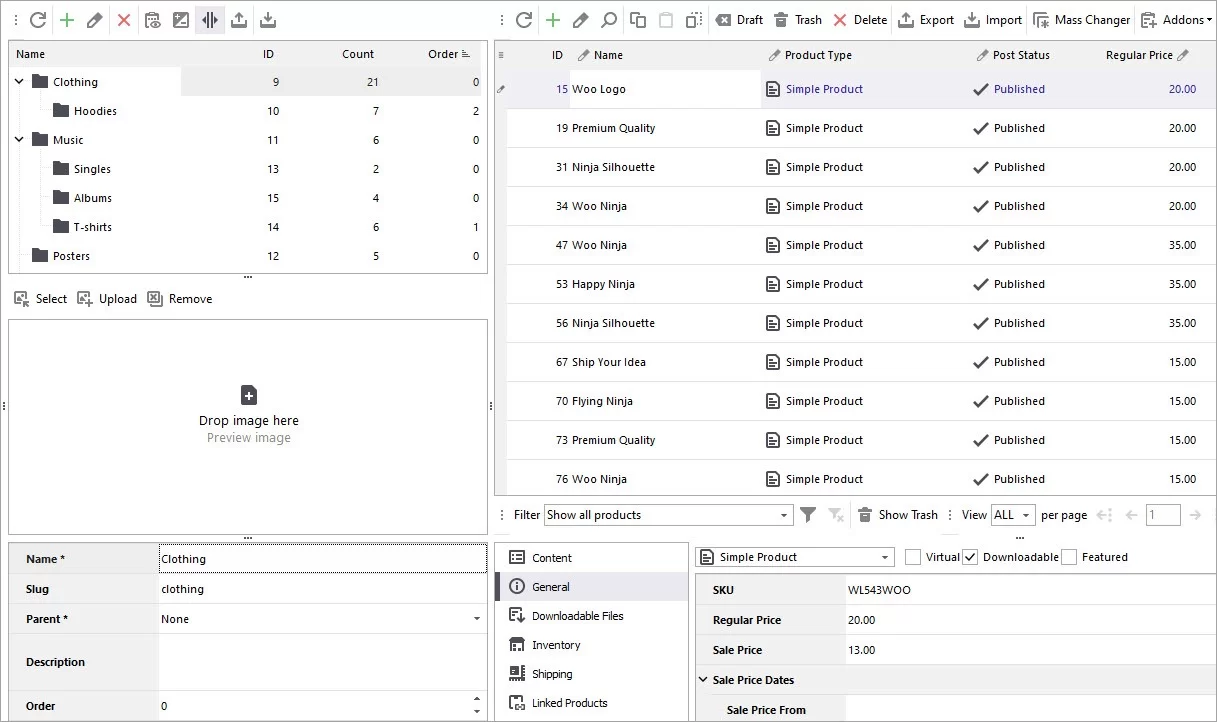
- WooCommerce Product Management
- WooCommerce Import: Step by Step Tutorial
- Bulk WooCommerce Product Update via Mass Changer
- WooCommerce Export: Quick Way to Get Products Listed in CSV
- How to Export WooCommerce Products By Category?
- WooCommerce Import Variable Products Tutorial
- How to Perform WooCommerce Excel Import
- WooCommerce Category Management