
Product Information
Do More Than You Could Ever Imagine
with Store Manager for WooCommerce
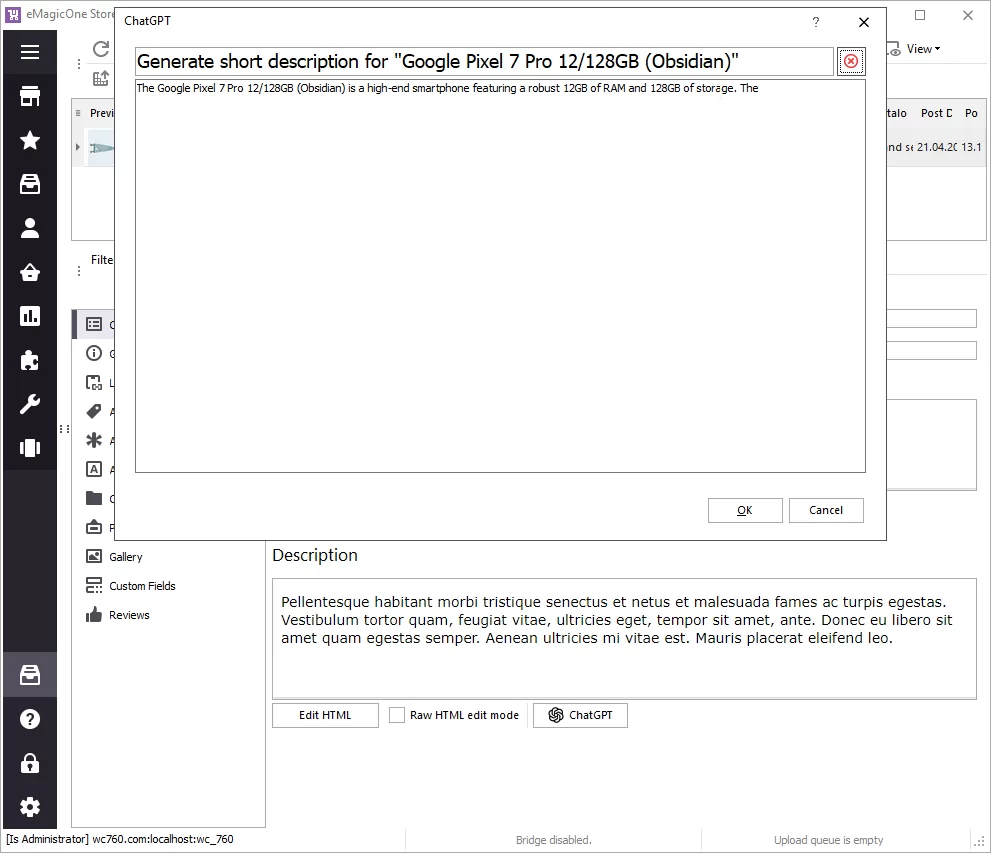
Generate WooCommerce product and category data with AI
- Supported models: Claude, ChatGPT, Gemini, and any model that can be installed on Ollama or LM Studio.
- Generate missing product and category data like name, descriptions, meta data, and more.
- Use built-in Macros features to add dynamic elements (like add manufacturer, brand, attributes, to generate content based on these data).
- Append, prepend or replace existing data. The best solution is to append or prepend generated texts by LLM to the existing data from supplier / manufacturer. Or to rewrite existing generic descriptions provided by your supplier, making them unique.
Automatically translate product and category data into any language. - Make sure your content is professionally written, does not have any typos and grammar mistakes.
WooCommerce AI Vision
- AI vision capabilities allow us to understand and analyze images, opening up exciting possibilities for multimodal interaction.
- Supported models: Claude, ChatGPT, Gemini, and any model that offers AI Vision and can be installed on LM Studio or Ollama.
- Use AI vision to create WooCommerce products or generate product details based on image only.
- Simply upload product images to the cloud or local folder (where Store Manager is pointing to) and WooCommerce products will be automatically created.
- All required data can be automatically filled in, including product name, product description, price, etc.
- Set other fields like quantity, availability, and other default fields.
Generate product image or update existing product image with AI
- Supported models: Nano Banana, ChatGPT Images.
- Generate image(s) based on existing product image, product name or any other field.
- Automatically generate images name (if applicable), image alt, and title.
- Replace existing image with a newly generated image or add new images to the gallery.
- Update image by removing or blurring product image background, adjusting light, image size or color of the product.
- Update image background. For example show the footwear on the beach sand/in the city or urban environment / in the mountain when hiking or on any specific model.
- Change the season of the photo: change to winter / autumn season, etc.
- (Requires separate license key)
AI PromptBook
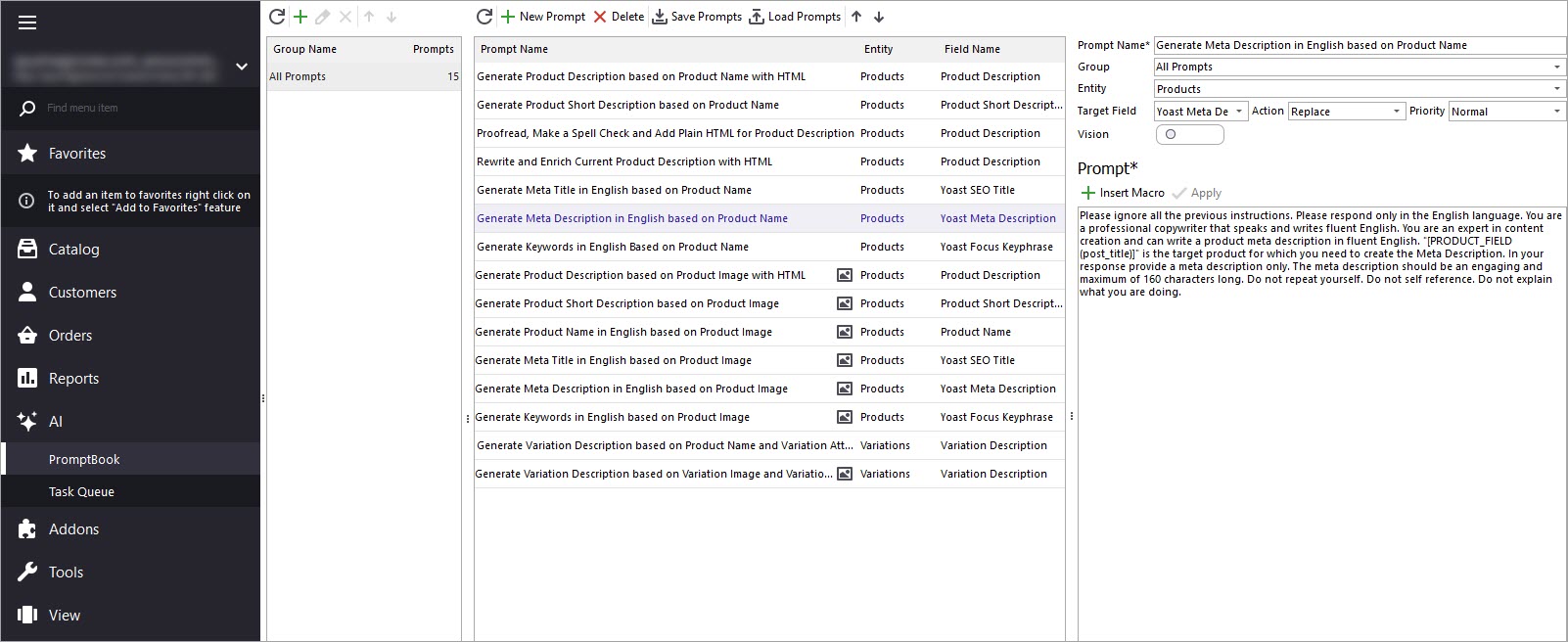
- Use promptbook with free prompts, update or create your own specific prompts. Find available prompts here.
- Use macros to dynamically generate content based on category, product name, brand, image or any other field.
- Apply a few prompts one by one to one field to get the best results (for example generate product description by parts and append generated data to get the best result).
- Run multiple prompts for multiple products in bulk.
- Get free assistance to adjust your prompt with our prompt engineers.
- Review and approve changes before applying them to your live store.
Make Import Flexible Than Ever
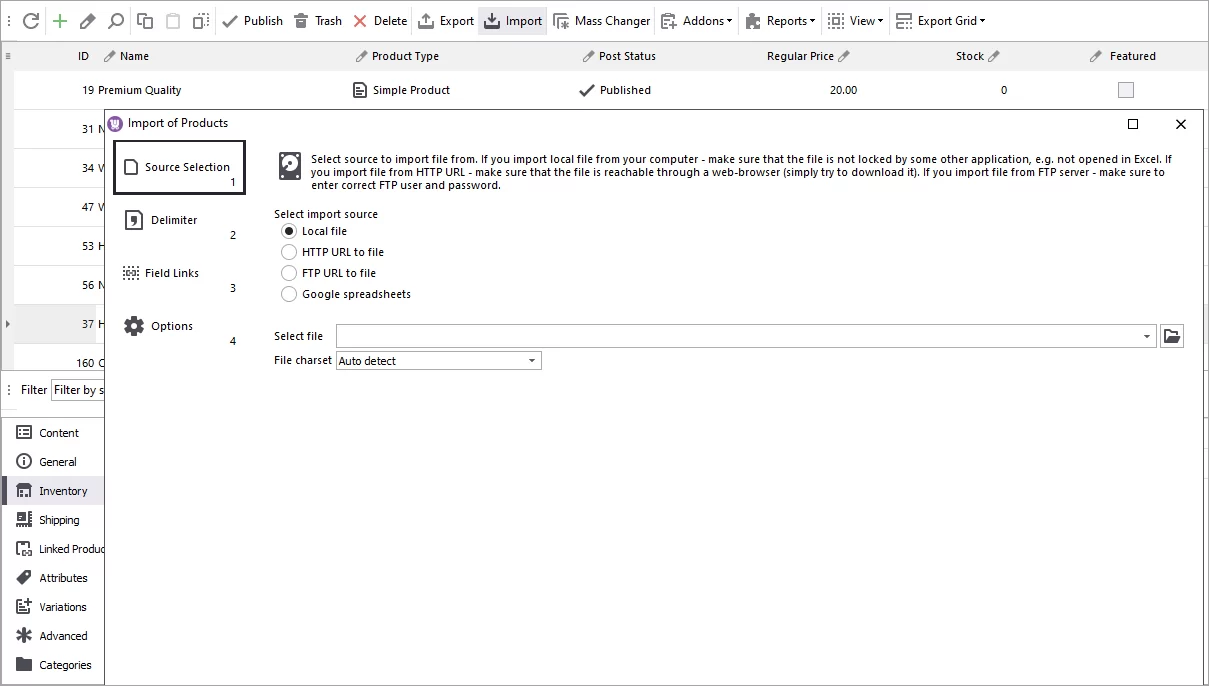
- Upload WooCommerce products from CSV / XML / XLS / XLSX file.
- Import from different file sources (local file, HTTP or FTP URL to file).
- No requirements to file. Apply changes or missing data on the fly.
- Perform Automated product upload on schedule.
- Modify data on the fly using SQL expressions.
- Request any other feature and get your scenario implemented free of charge.
Downright Product&Category Management
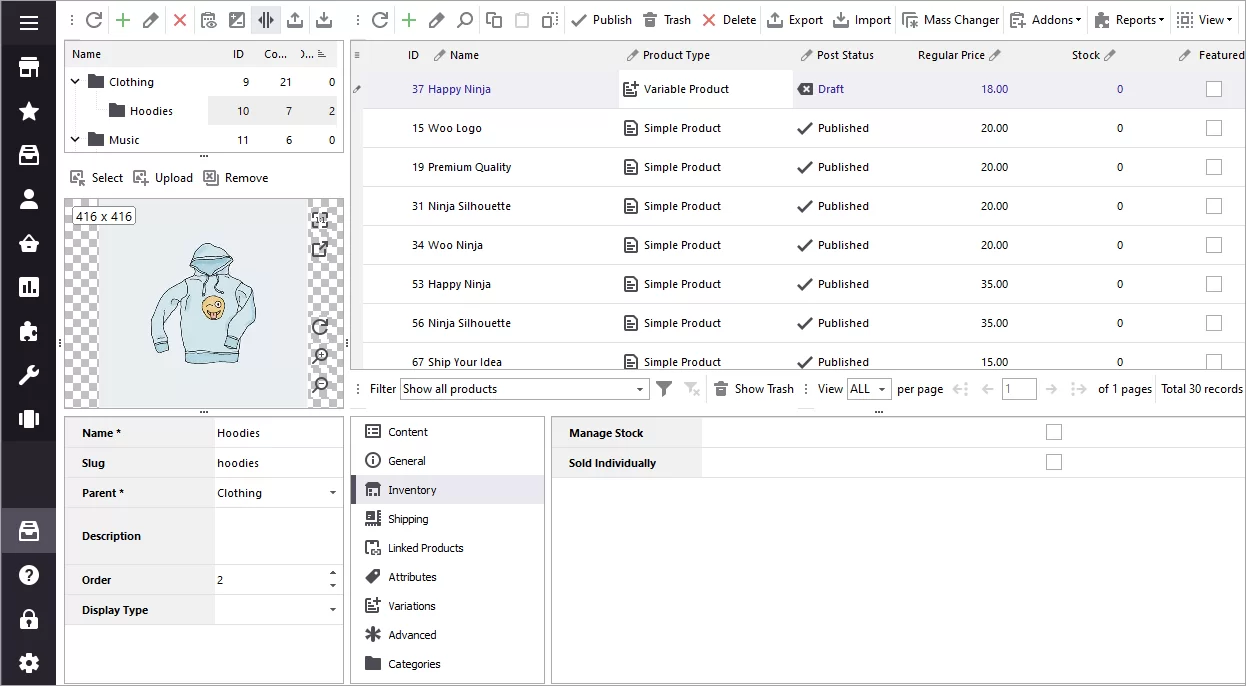
- Perform basic and mass changes over WooCommerce goods and categories.
- Assign multiple categories to product(s) at a time.
- Export/import product-related data: variables, images from URLs, prices, descriptions, custom fields etc.
- Generate images meta data along with their upload.
Orders Management and POS
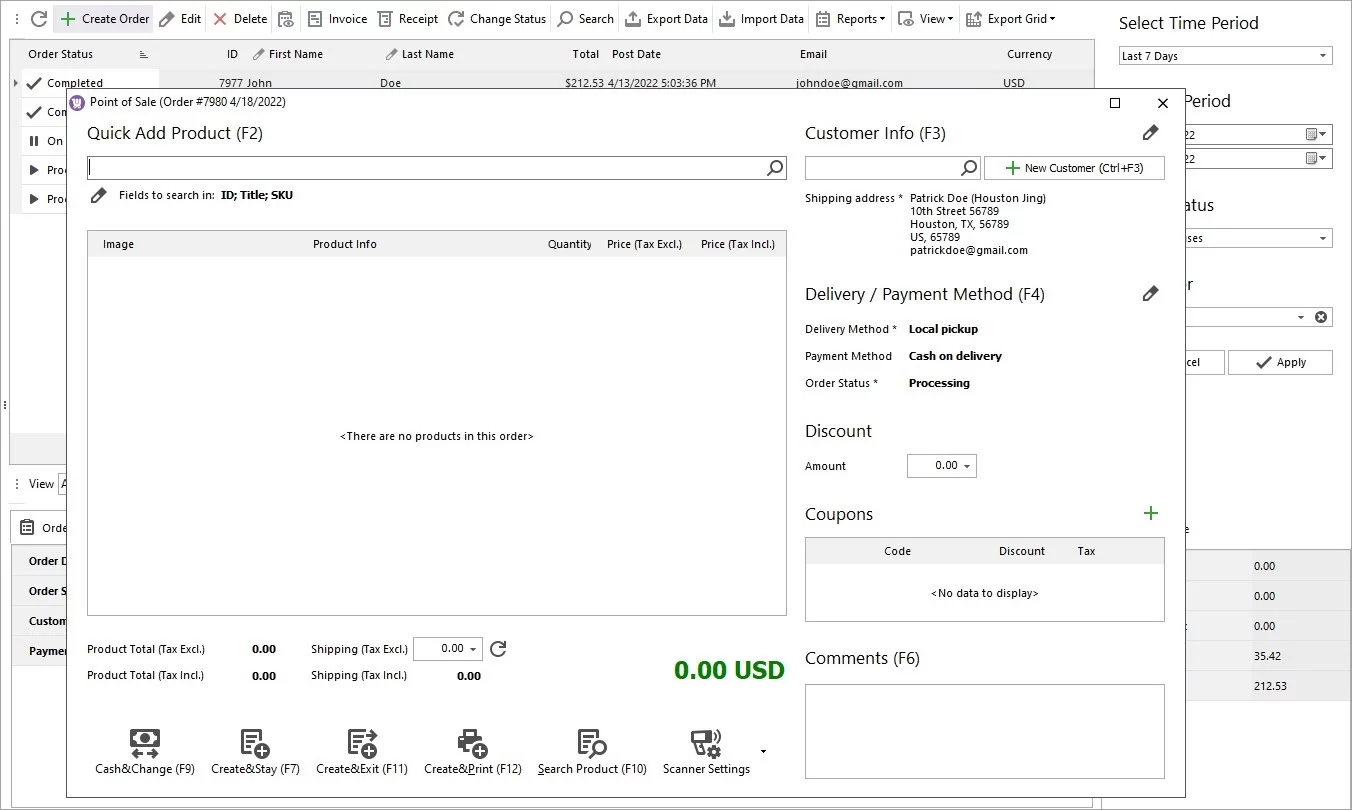
- Export orders to Excel/.csv file.
- Print invoices and receipts for multiple orders at once.
- Import orders from .csv file format.
- Create orders with POS for physical stores, barcode scanner support included
Sell within Several Stores
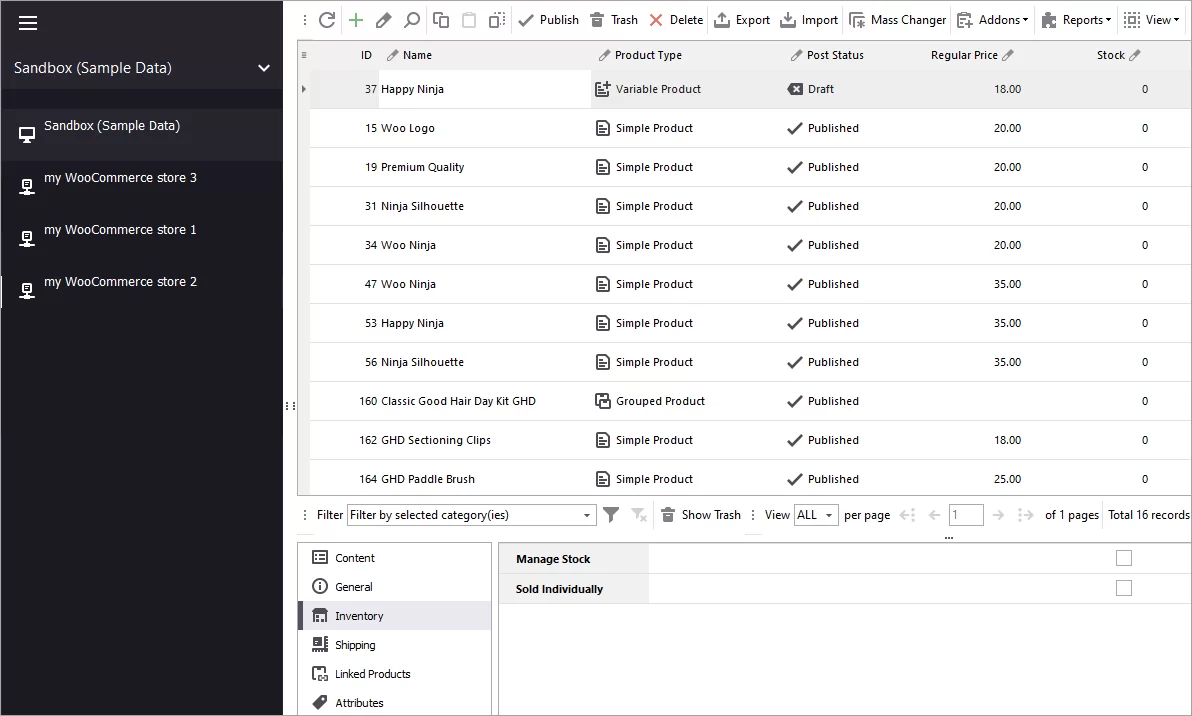
- Manage WooCommerce multisite with Store Manager application.
- Connect and administrate unlimited number of stores conveniently switching between them.
- Update catalog in any website and transfer data between them.
Create Order Reports
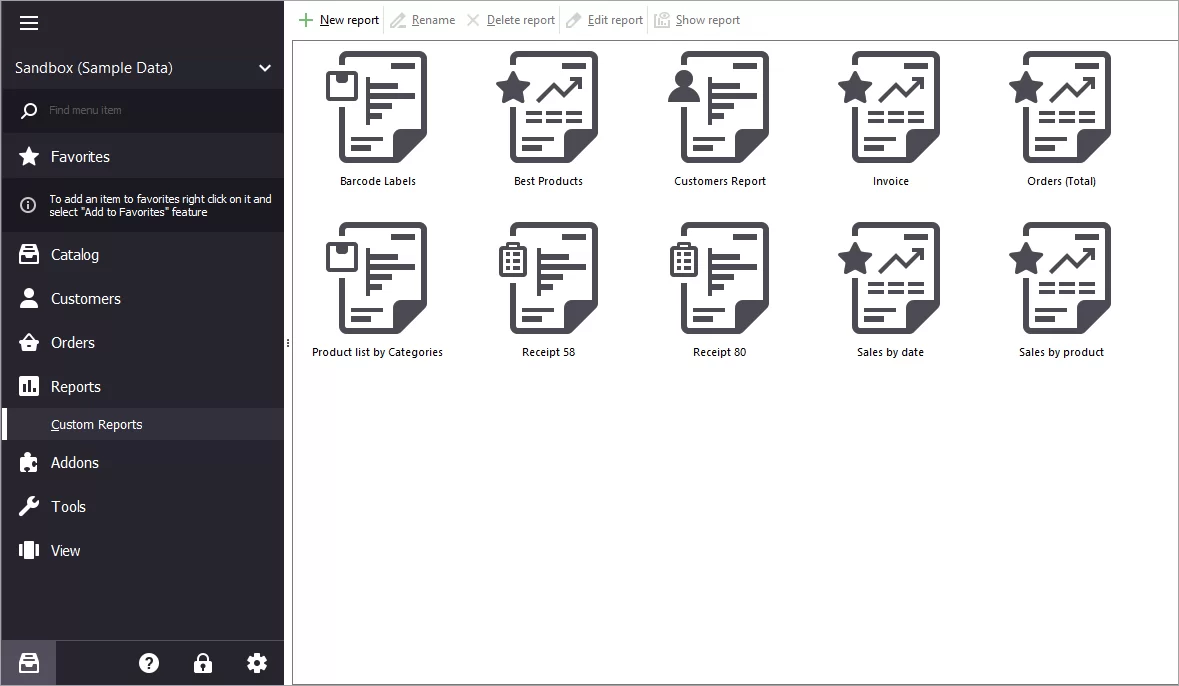
- Use ready-made reports or customize them depending on your requirements.
- Check sales by date or product.
- Collect customers data, orders total or product list by categories. Create barcode labels, invoice or receipts.
- Create orders with POS for physical stores, barcode scanner support included
Bypass Data Malfunctions
- Take advantage of database backup and restore.
- Work with the database locally with the possibility to cancel the unwanted changes.
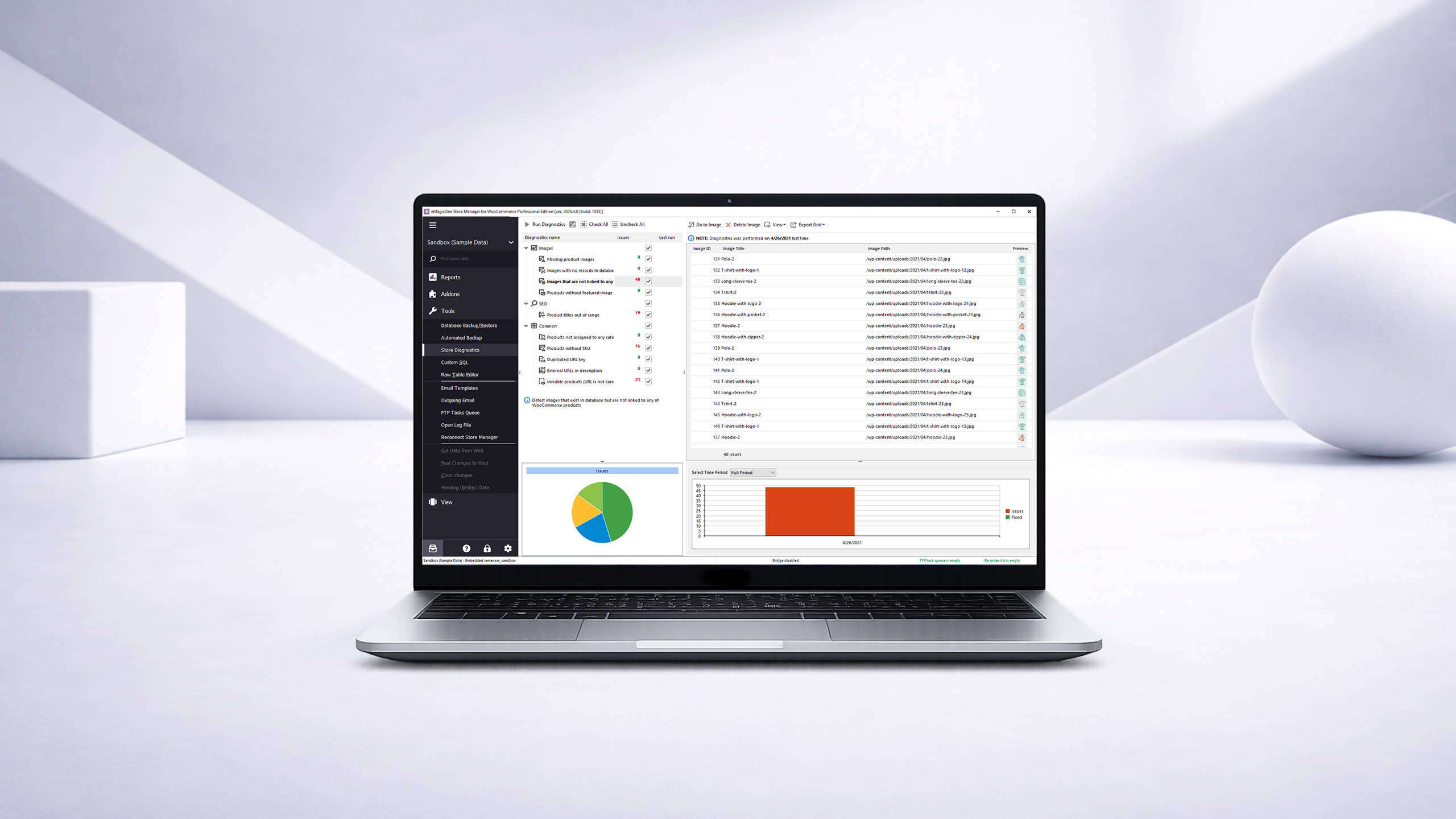
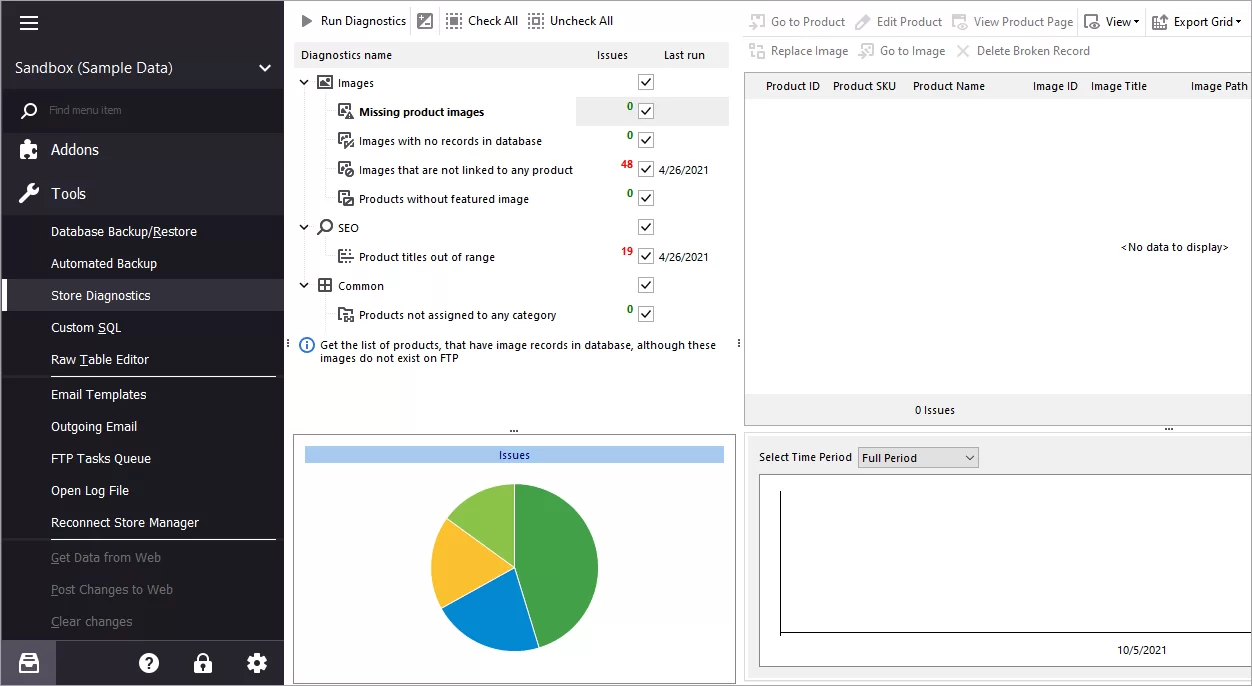
- Work with Store Diagnostics tool to control website images, SEO and common issues with the possibility to quickly fix them.
Extra Plugins
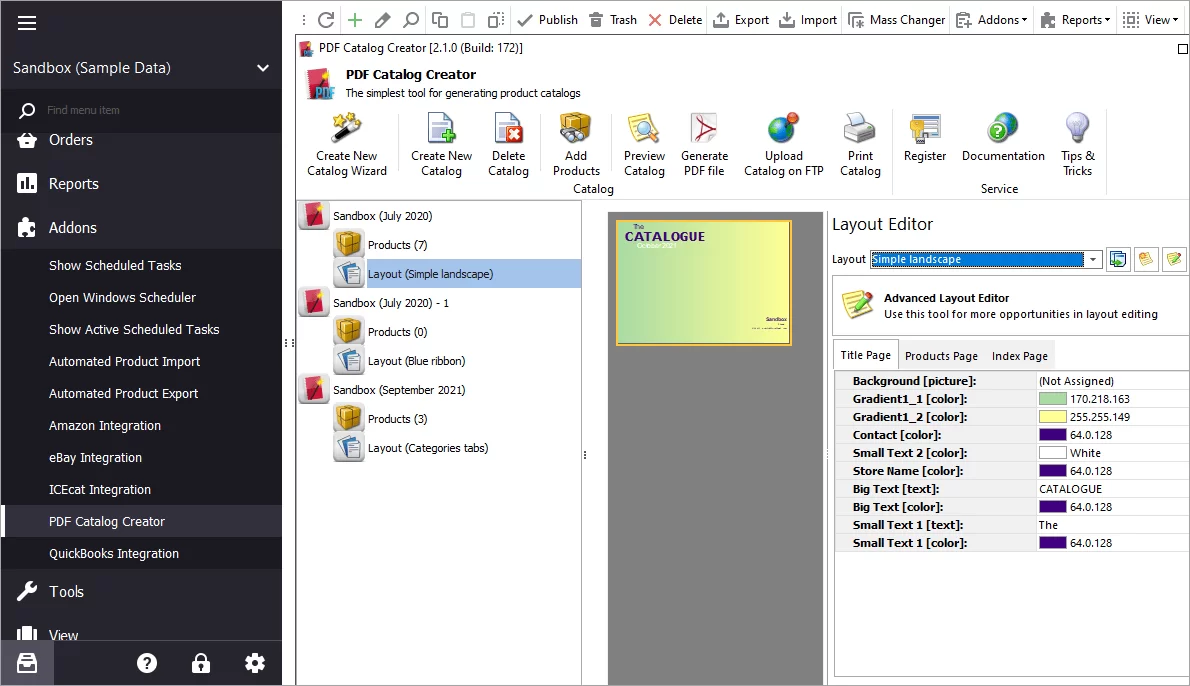
- Create lookbooks and flyers with PDF Catalog Creator.
- Integrate your store with eBay and Amazon sales channels (requires Amazon Developer account + application keys).
- Administrate accounting with QuickBooks Online or QuickBooks Desktop plugins.
- Enrich items with descriptions and images from ICEcat Catalog.
- Connect your store to Local AI Models installed on Ollama or LM Studio.
Store Manager for WooCommerce Tutorials
- Manage WooCommerce Multi Store From One Location
- Schedule WooCommerce Stock Updates
- How to Update WooCommerce Price in Bulk
- Bulk WooCommerce Product Update via Mass Changer: Detailed Tutorial
- How to Update WooCommerce Grouped Products Massively
- Manage WooCommerce Custom Reports
- WooCommerce Diagnostics – Troubleshoot Store Content Problems
- Store Manager for WooCommerce Addons Functionality